Two surfaces, one fleet
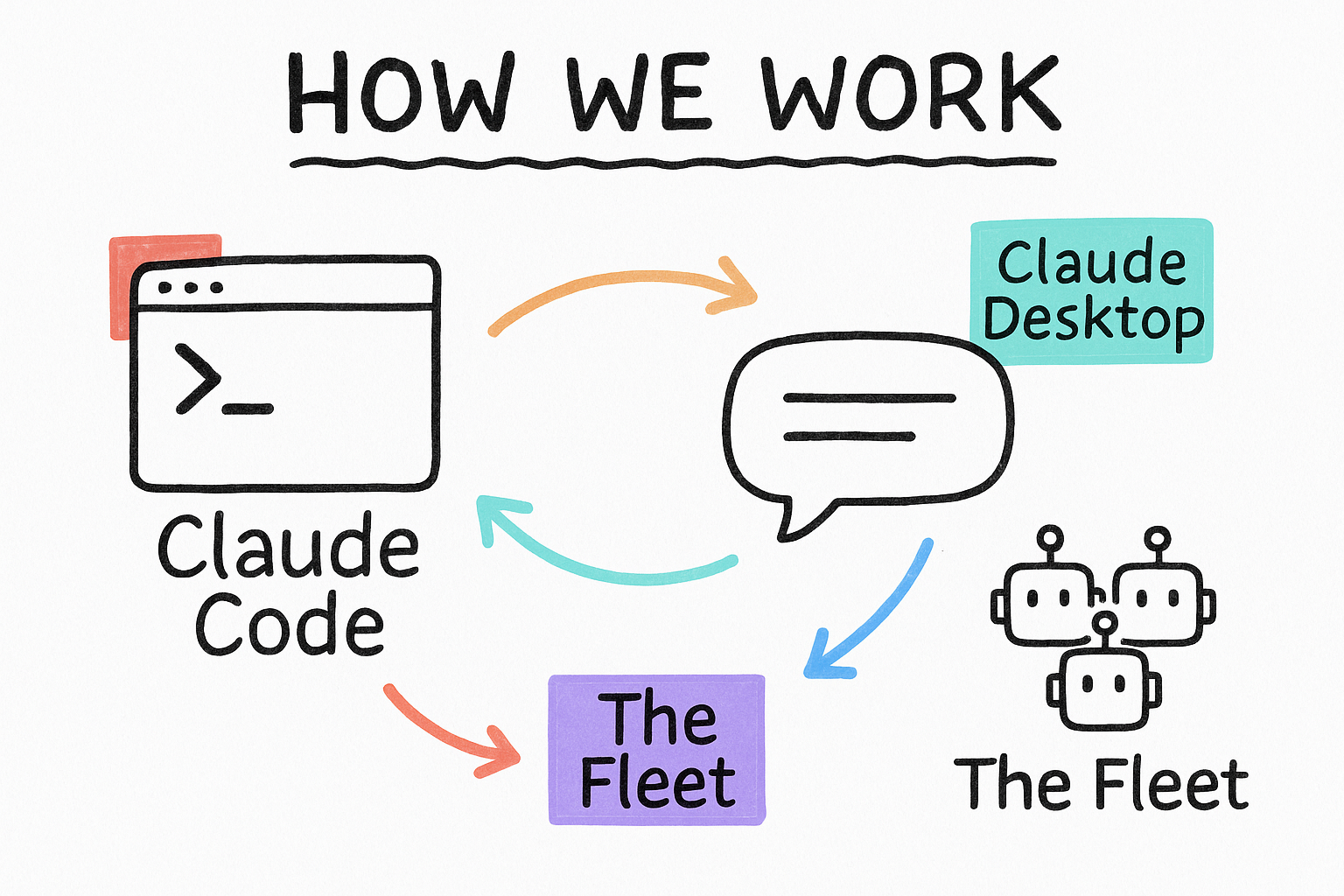
You work with Claude in two places. The terminal (Claude Code) builds and runs things on real files. Claude Desktop is where you think, plan, and talk it out. Behind both sits the fleet: specialist agents you can dispatch to do the heavy lifting. Learn when to reach for which, and you move fast without making a mess.
- Terminal = hands. It edits files, runs commands, deploys.
- Desktop = head. It plans, drafts, and pressure-tests ideas.
- Fleet = crew. Dispatch agents to do work in parallel.
When to use the terminal vs the desktop
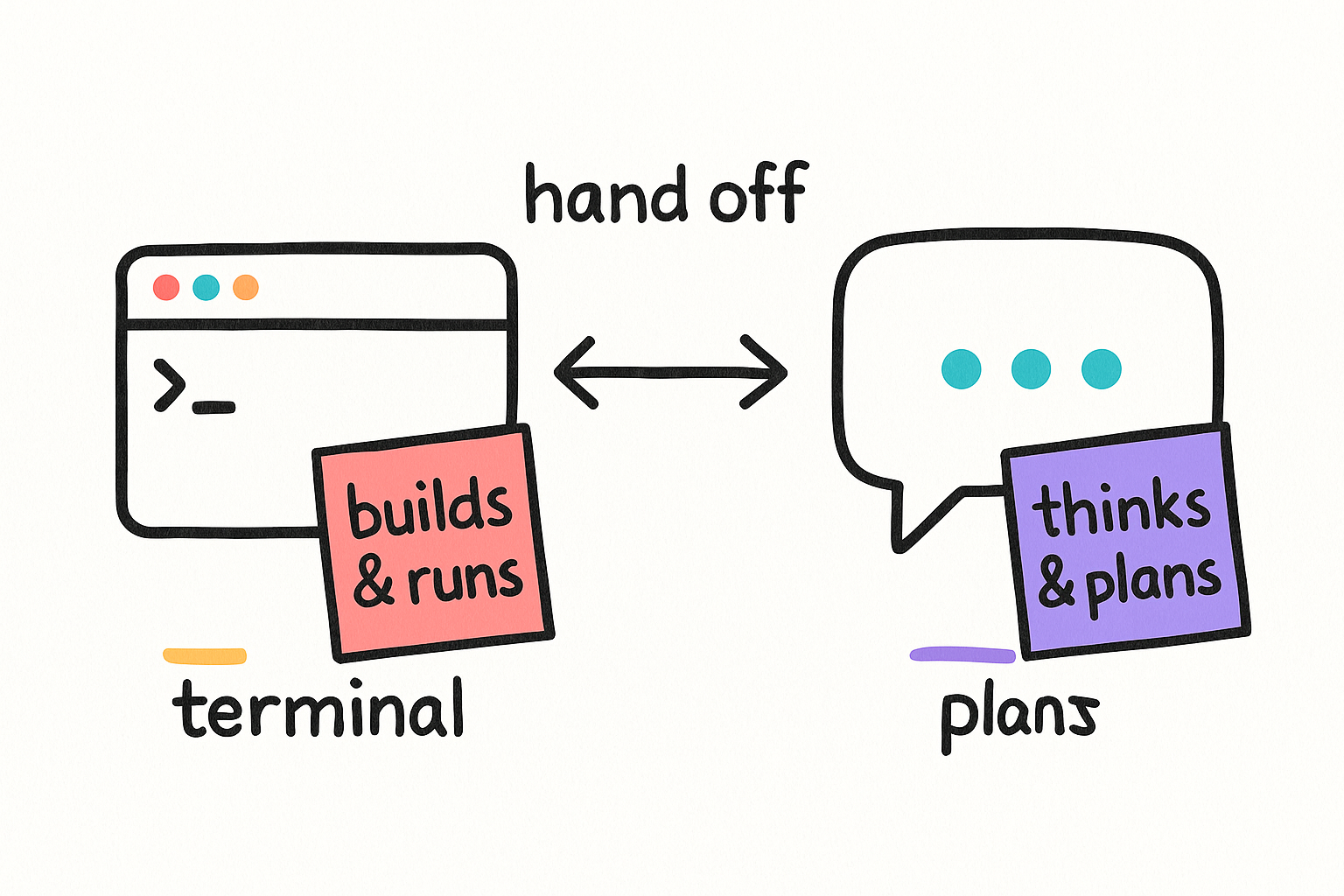
Both are Claude. The difference is what they can touch. The terminal lives inside your project: it reads and writes your actual files, runs builds, and deploys. The desktop app is a clean room for thinking, with no risk of changing code by accident. Most real work starts in Desktop (figure out WHAT) and finishes in Terminal (do it).
- Need files changed, code run, or a deploy? Terminal.
- Figuring out the plan, the copy, or the approach? Desktop.
- Unsure? Plan in Desktop, paste the plan into Terminal.
I want to build [THING]. Do NOT write code yet.
First, walk me through the plan: the goal, the pieces involved, the tradeoffs, and what "done" looks like.
Ask me anything you're unsure about, one question at a time.Here's the approved plan:
[PASTE THE PLAN FROM DESKTOP]
Build it. Make only the changes this needs, match the existing style, and verify it works before telling me it's done.Your first five minutes
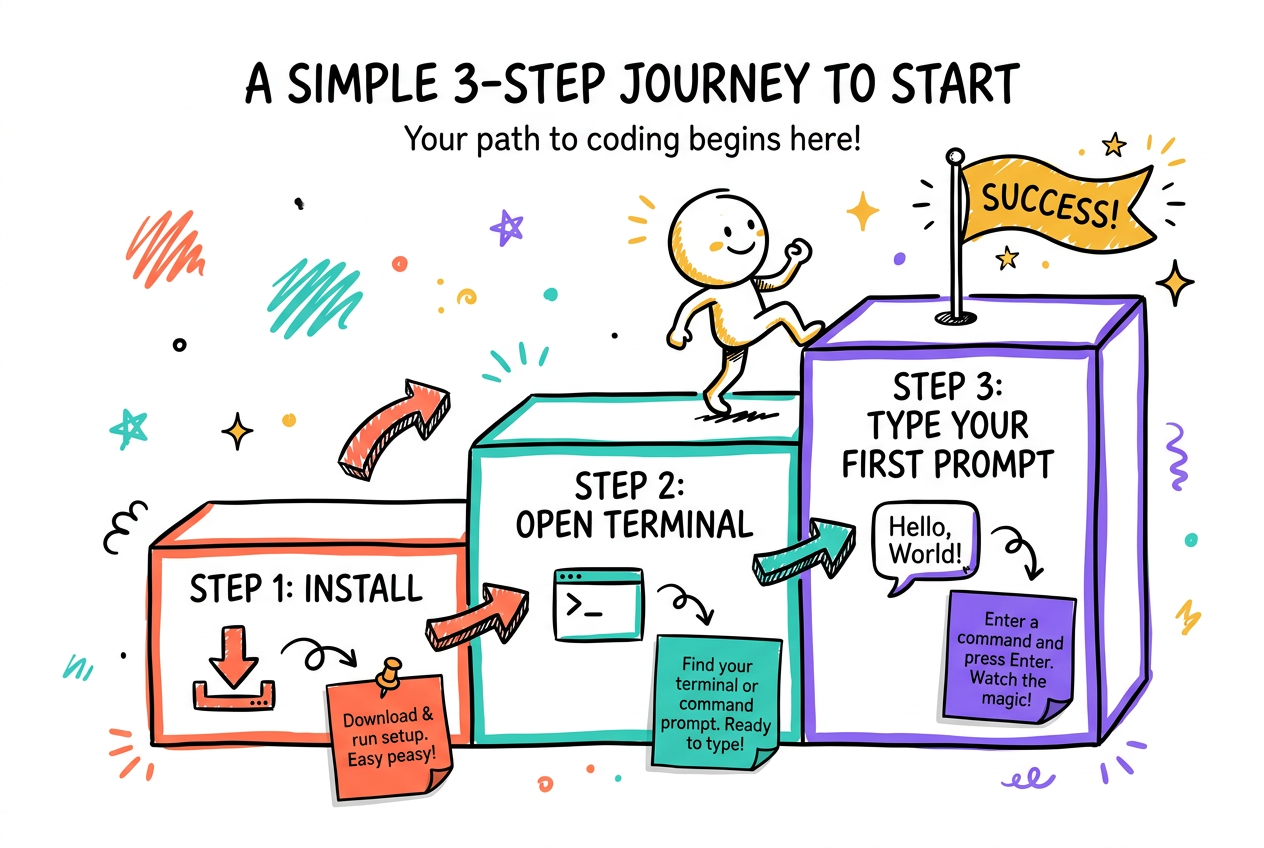
New to this? Three steps. Open the terminal in the project folder, tell Claude what you want in plain English, and let it ask questions. You do not need to know commands. You describe the outcome; it figures out the how. Talk to it like a sharp teammate who just joined and needs context.
- 1. Open the terminal in your project folder.
- 2. Say what you want in plain English. No syntax needed.
- 3. Let it ask questions before it acts. Answer them.
I'm new to this project. Give me the 60-second tour:
what is it, what's the stack, where does the important code live, and how do I run it?
Keep it short and skip the obvious.What skills or tools do you have that could help with [MY TASK]?
List the top 3, what each one does, and how I trigger it.How to write a prompt that lands
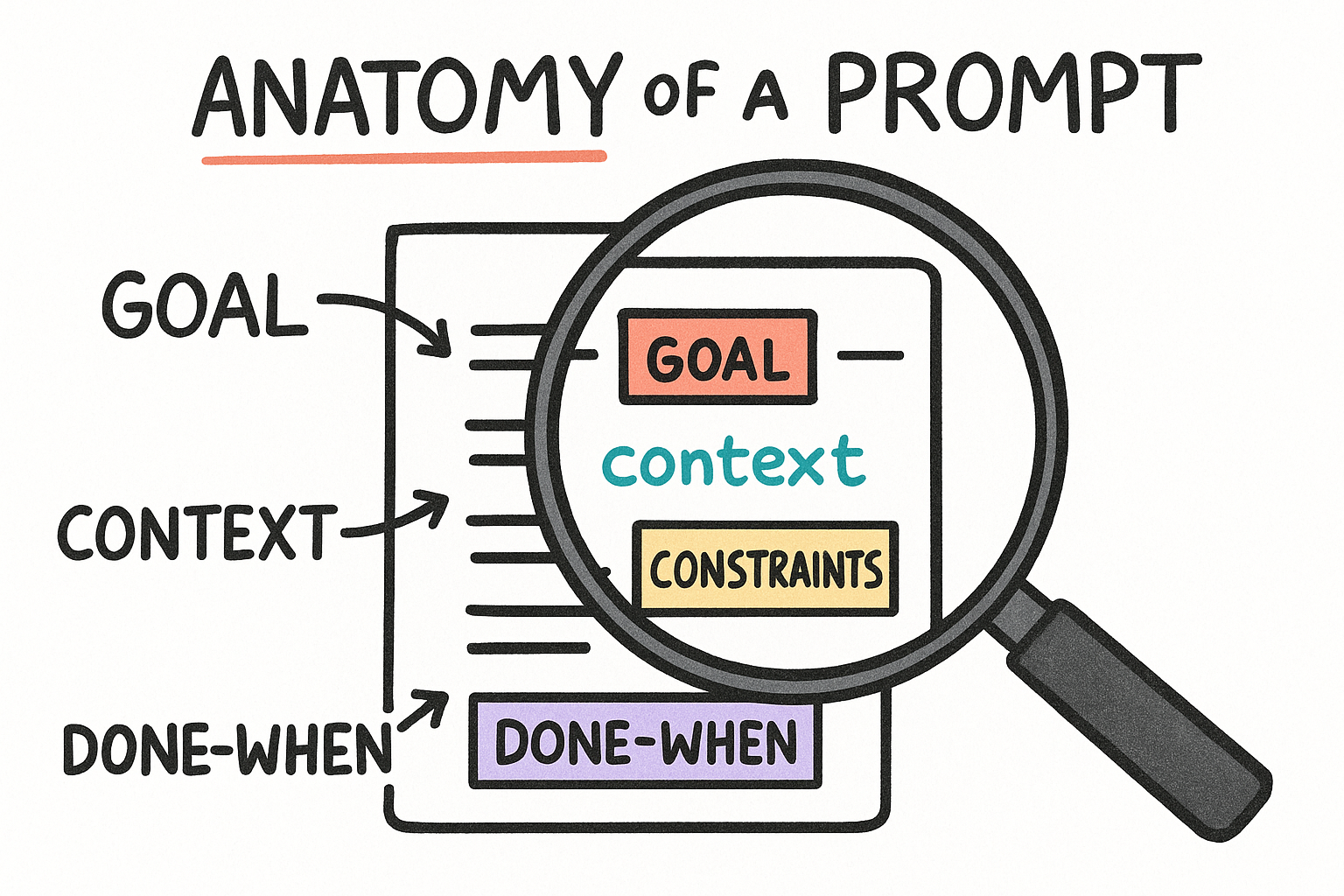
A good prompt has four parts: the goal (what you want), the context (what it needs to know), the constraints (what NOT to do), and done-when (how you'll both know it worked). Miss these and you get confident, wrong answers. Hit them and the first try is usually right.
- Goal: the outcome, in one sentence.
- Context: the file, the link, the example, the why.
- Constraints: don't touch X, keep it under Y, no Z.
- Done-when: "it's done when the test passes / page loads."
GOAL: [what you want, one sentence]
CONTEXT: [the file/url/example + why it matters]
CONSTRAINTS: [what NOT to do, limits, must-keep]
DONE WHEN: [how we'll both know it worked]Here's a rough idea: [BRAIN DUMP].
Help me turn it into a clean brief with a goal, the context you'd need, the constraints, and a clear "done when". Ask me for anything that's missing.Skills: type a slash, get an expert
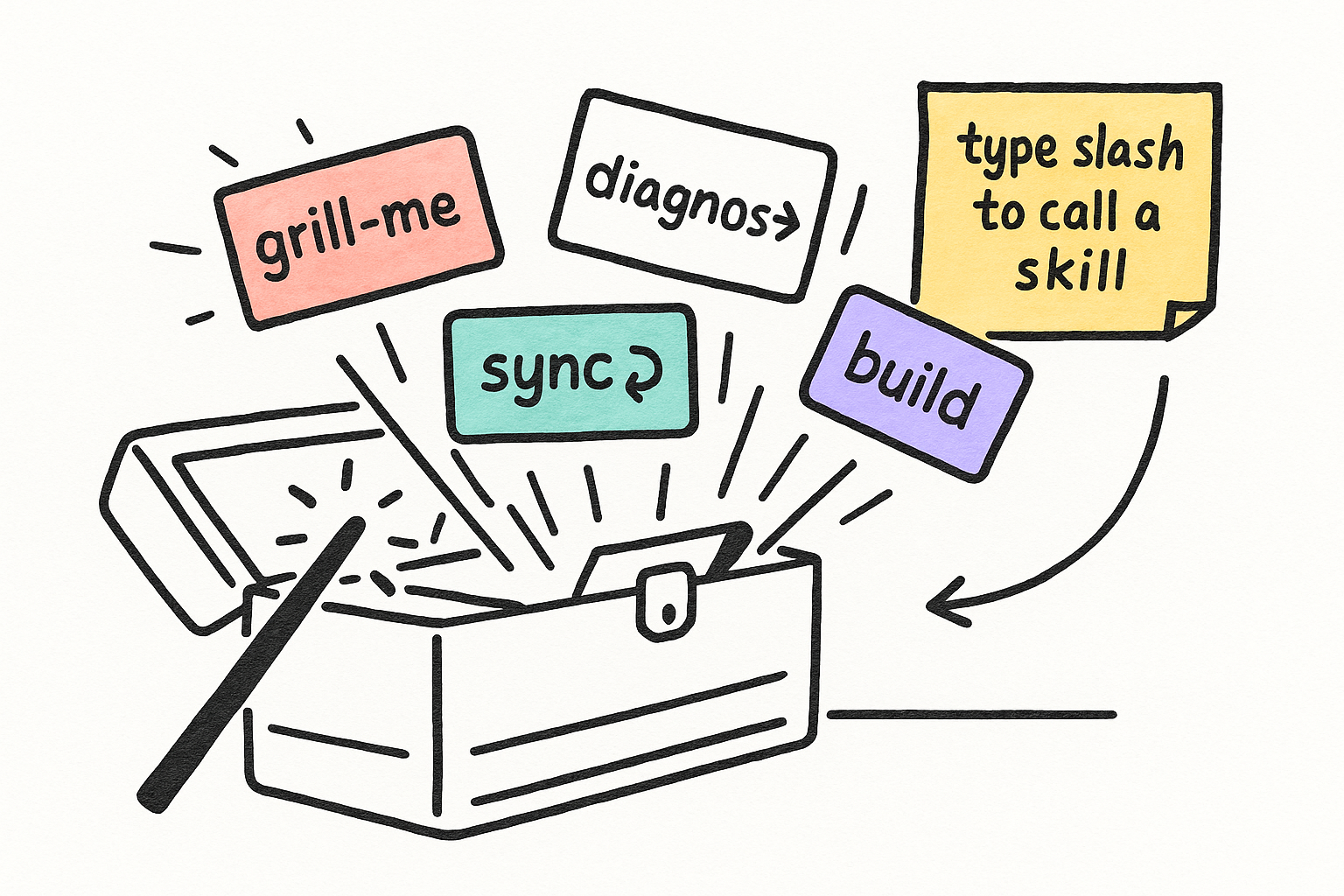
Skills are pre-built playbooks Claude can load on demand. Instead of explaining how to do a code review or write an SEO article every time, you trigger a skill and it already knows the steps. In the terminal, type "/" to see them, or just describe the task and the right one fires automatically.
- Type / in the terminal to browse available skills.
- Or just describe the task — the matching skill auto-fires.
- Skills stack: planning, building, reviewing, deploying.
/grill-me

(or just: "grill me on this plan before we build it")I need to [TASK]. Use whatever skill fits best, tell me which one you picked and why, then go.Dispatch: don't do it all yourself
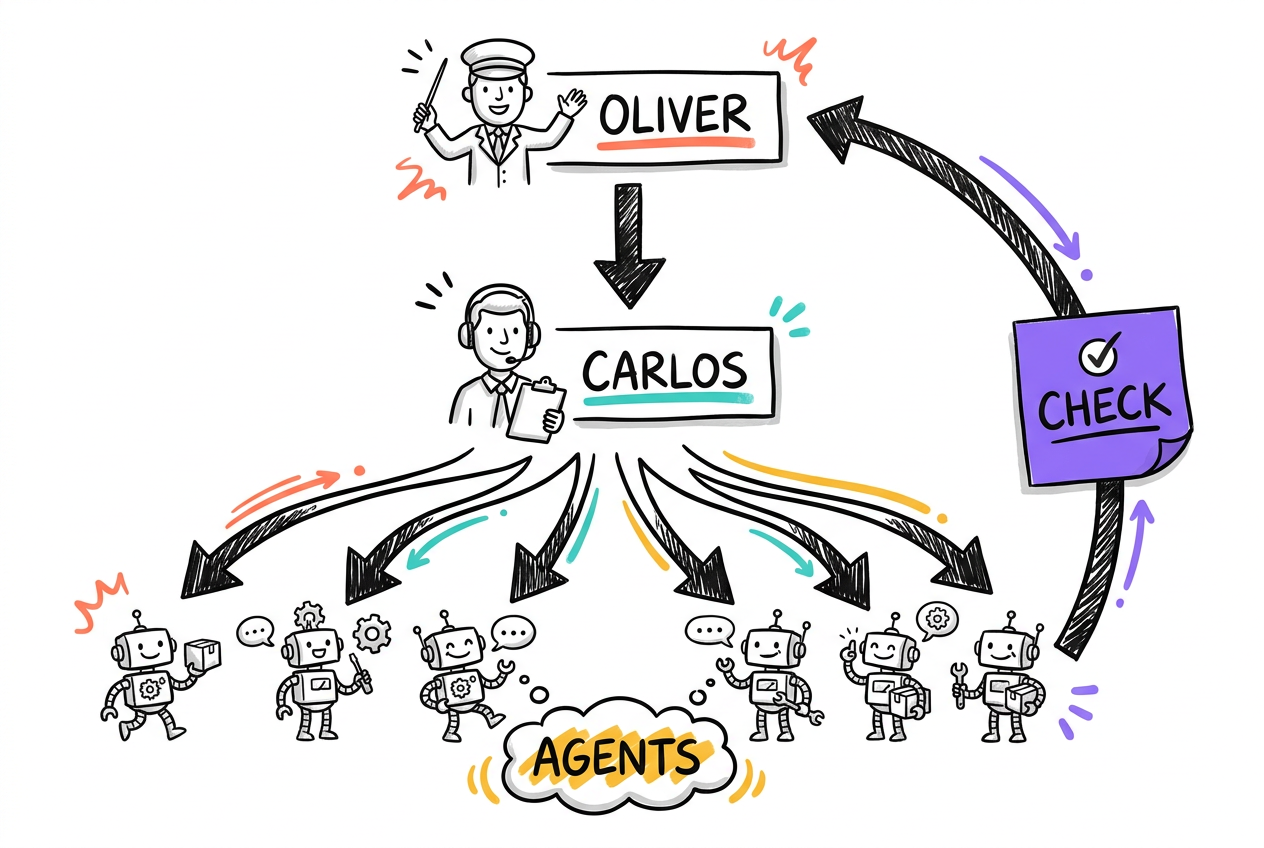
When a job is big or has independent parts, don't grind through it in one thread. Dispatch it. Claude can spin up specialist sub-agents that each go do a piece and report back just the answer, not the noise. Think of yourself as the conductor: you set the goal, they play their parts.
- Big or broad task? Dispatch agents instead of one long thread.
- Each agent does a slice and returns the conclusion, not the dump.
- You stay the conductor: set goals, review results.
Dispatch a subagent to research [TOPIC]. I want the conclusion and the 3 best sources, not a wall of text. Report back when it's done.This splits into independent parts: [A], [B], [C].
Dispatch one subagent per part, run them in parallel, then synthesize their results into a single answer for me.Goal: [GOAL]. Write a brief work order: the objective, the constraints, which kinds of specialists are needed, and what "done" looks like. Don't write the detailed steps — just the score I can hand off.Co-work: Desktop plans, Terminal builds, Desktop reviews
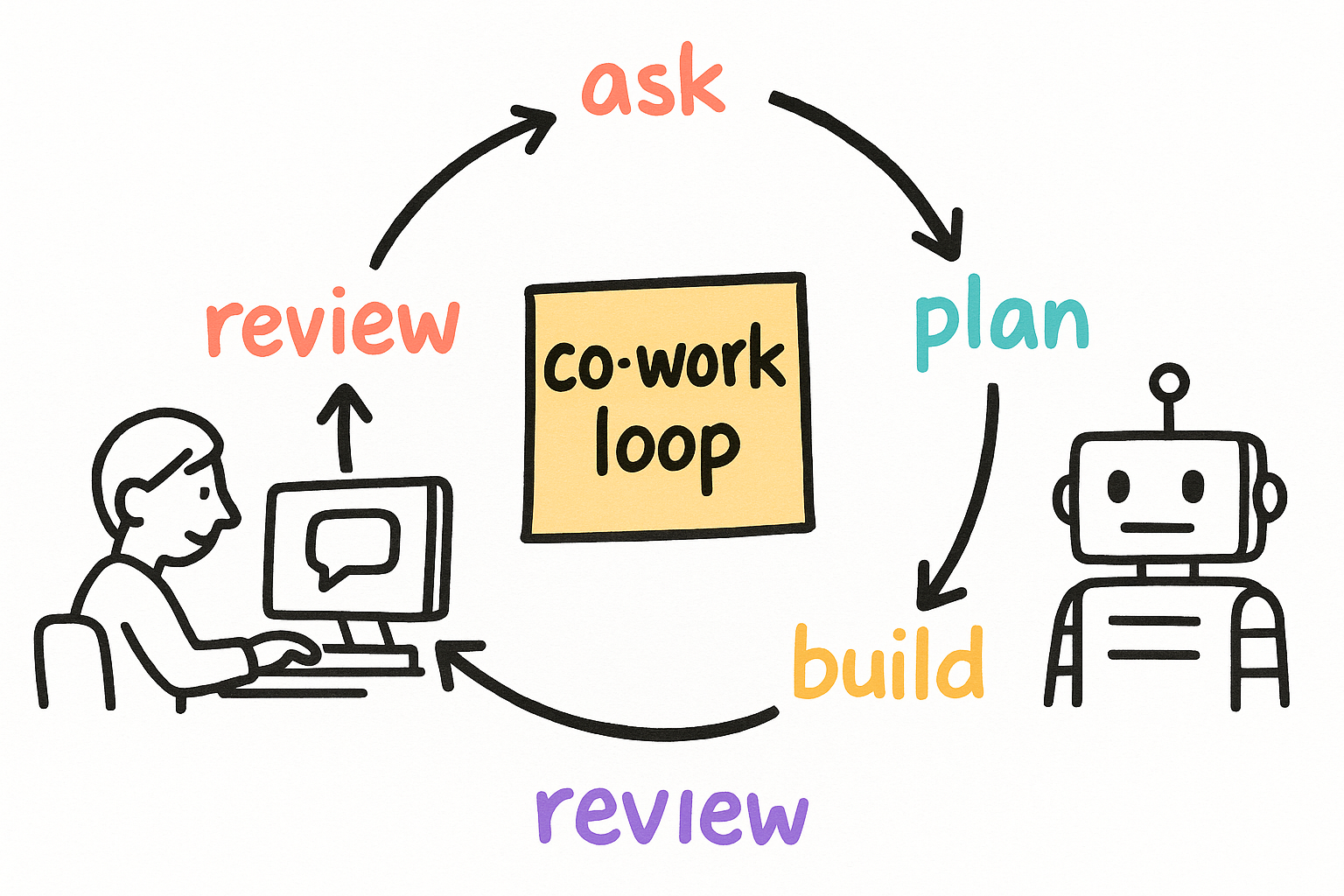
The highest-leverage pattern is a loop between the two surfaces. Use Desktop to think and write the spec. Hand the spec to the Terminal to build. Paste the result back into Desktop to pressure-test it. Round and round until it's right. Neither surface alone is as good as the loop.
- Ask + plan in Desktop.
- Build in Terminal from the Desktop spec.
- Review the build back in Desktop. Repeat.
Turn everything we just discussed into a build spec my terminal agent can execute:
objective, the exact files/areas involved, constraints, and done-when.
Format it so I can paste it straight in.My terminal agent produced this:
[PASTE THE RESULT / DIFF]
Poke holes in it. What did it miss, what could break, and what would you change before this ships?/pause — save where we are to the cloud so I can resume this on another machine later.Grill me: get interrogated before you build
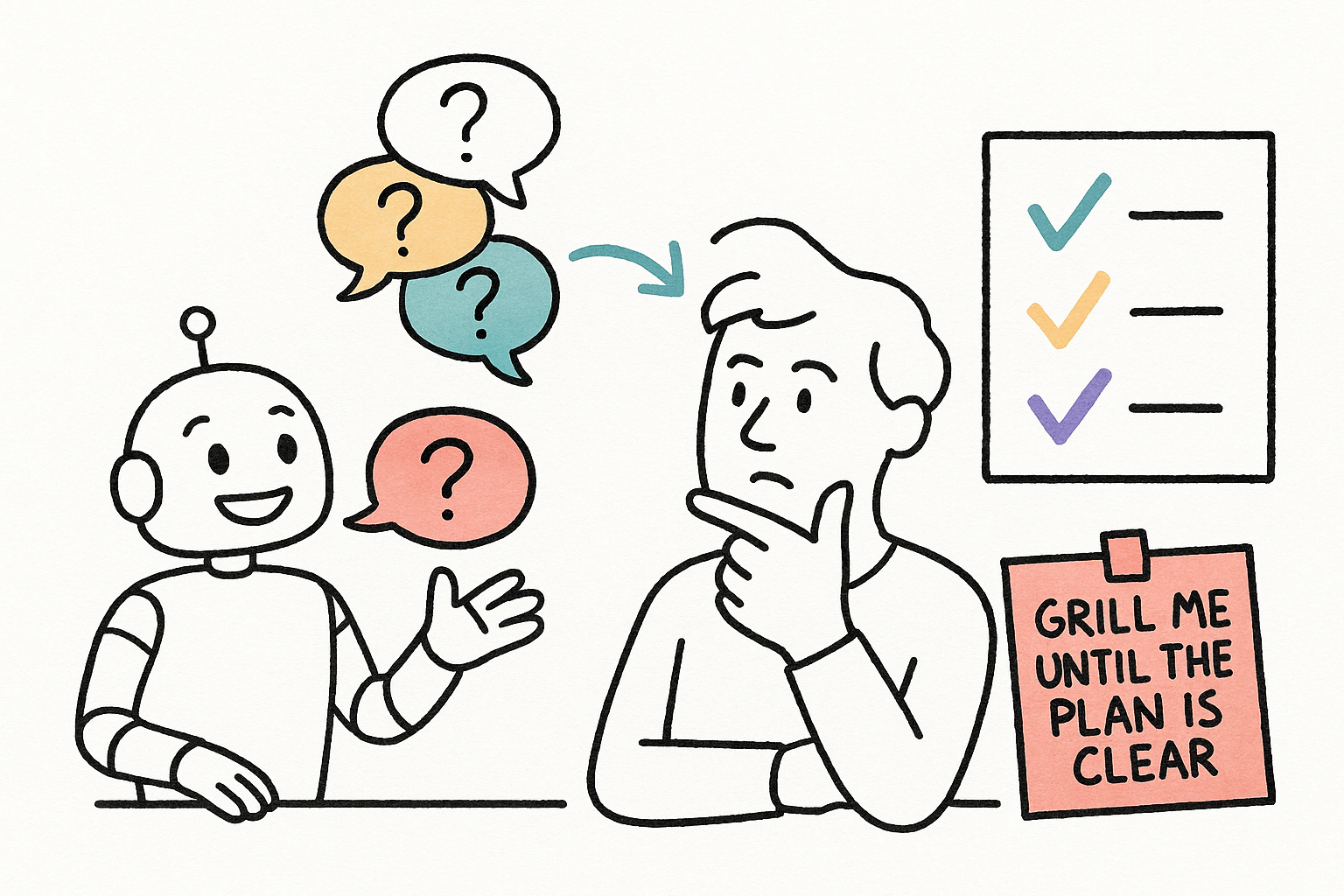
The fastest way to a right first build is to get grilled before any code is written. "Grill me" turns Claude into a relentless interviewer: it walks every branch of the decision, one question at a time, each with its recommended answer, until the plan has no holes. Forty-five minutes of grilling saves days of rework.
- It asks one question at a time, with a recommended answer.
- It walks every branch until the plan is airtight.
- Use it on plans, designs, decisions — not just code.
grill me on this plan before we build it:
[YOUR PLAN]

Interview me one question at a time, give me your recommended answer for each, and don't stop until it's airtight.I'm deciding [DECISION]. Grill me on it — one question at a time, each with your recommendation — until we've covered every angle and I know what to do.